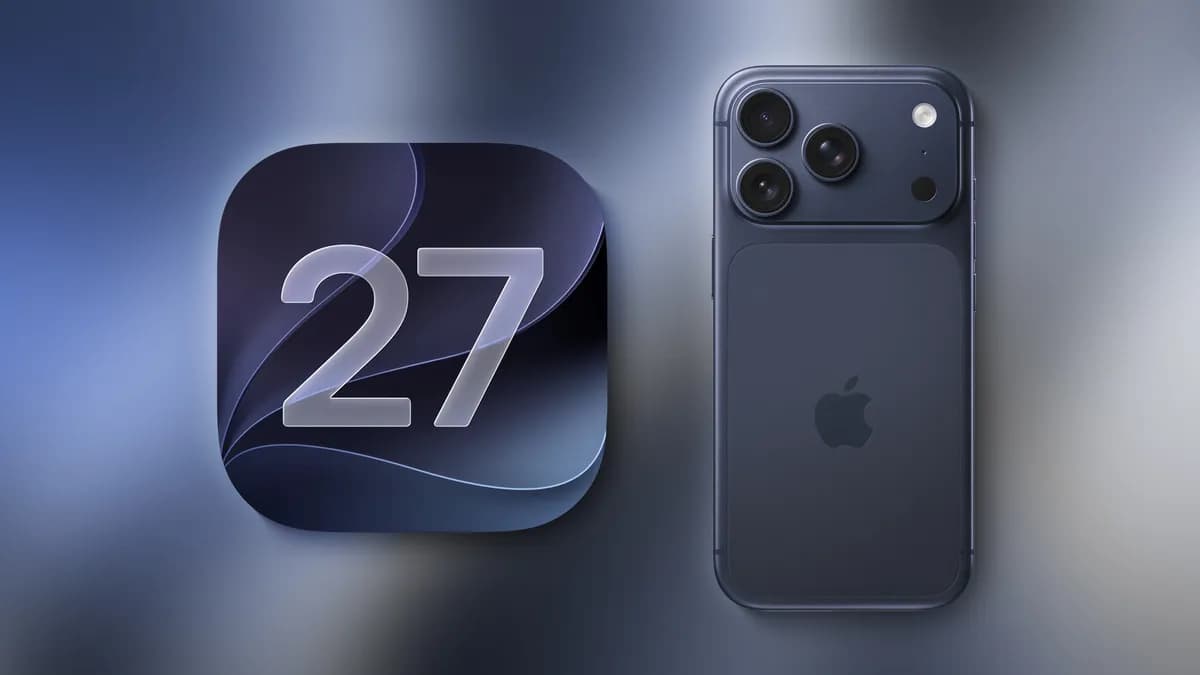
Apple is releasing iOS 27 on Monday, September 14 — and if history holds, most iPhone owners will see the over-the-air prompt appear before lunch. Here is everything you need to know, from the exact window to expect the notification to the practical steps that make the transition smooth.
iOS 27 Release Date and Exact Drop Time
Apple confirmed the iOS 27 release date at its September iPhone event held earlier this week. The announcement was unambiguous: software drops Monday, September 14.
The more precise question — when on Monday — is answered by two sources: Apple's own regional websites and a decade of release-day precedent.
Apple's product pages for India explicitly list a September 14 launch. Pages for Singapore, Hong Kong, and neighboring Asia-Pacific markets, however, show a September 15 date. That discrepancy is not a mistake. It is the clearest signal yet of the intended release window: approximately 10:00 a.m. Pacific Time, which translates to 1:00 p.m. Eastern Time and 6:00 p.m. London time. At that moment, it is already past midnight in Singapore and Hong Kong — meaning those countries cross into September 15 while the United States is still in the early afternoon of the 14th. Apple's regional listings, in effect, triangulate the release to a narrow corridor of roughly one hour around 10:00 a.m. PT.
That 10:00 a.m. Pacific slot is not arbitrary. Apple pushed iOS 18, iOS 16, and iOS 15 through the same window on their respective release days. The pattern has been consistent for long enough that carrier support teams and enterprise IT departments now build it into their deployment checklists. Treat 10:00 a.m. PT as your best working estimate, but keep in mind Apple has occasionally released a few minutes early or late.
A quick time-zone reference for the expected drop:
- Pacific Time (PT): 10:00 a.m.
- Mountain Time (MT): 11:00 a.m.
- Central Time (CT): 12:00 p.m.
- Eastern Time (ET): 1:00 p.m.
- London (BST): 6:00 p.m.
- Berlin/Paris (CEST): 7:00 p.m.
- Mumbai (IST): 11:30 p.m.
- Singapore/Hong Kong (SGT/HKT): 1:00 a.m. Tuesday, September 15
Set a reminder. The notification tends to arrive quickly, but millions of devices pinging Apple's servers simultaneously can create brief delays for some users.
What's Actually New in iOS 27

The headline feature Apple emphasized at this week's event is a significantly more capable Siri. After years of incremental improvements, iOS 27 delivers advanced AI capabilities through the assistant — the kind of contextual awareness and cross-app intelligence that Apple has been building toward across its recent software releases.
Read next iPhone Duo's Hidden Fake Bezel Setting ExplainedBeyond Siri, Apple described iOS 27 as carrying a broad range of refinements, improvements, and new features across the operating system. That framing — consistent with how Apple has presented major annual updates in the past — suggests changes that touch multiple parts of the experience rather than concentrating in a single app or workflow.
This is Apple's largest software update of the year, which places it in a distinct category from the point releases and security patches that fill out the calendar between Septembers. Annual iOS updates of this magnitude typically affect the visual interface, system performance, privacy controls, and the core productivity apps that ship on every iPhone. Smaller quality-of-life changes often outnumber the marquee features, and many of the most useful improvements surface only after users spend a few days with the software.
Because the source details available before release remain limited to what Apple disclosed at the event, expect a fuller picture of what changed once the software is in users' hands and the full release notes are published.
Which iPhones Are Compatible with iOS 27

Apple has not published the final compatibility list in advance of Monday's release, which is standard practice. However, the company's pattern across recent iOS versions provides useful context.
iOS 18 supported the iPhone XS and later. iOS 16 required an iPhone 8 or newer. Each generation of iOS has trimmed older hardware from the list, typically dropping devices that were already excluded from certain features in the previous release. Devices that received only partial feature support in iOS 26 — meaning they could install the update but were locked out of specific capabilities — are the most likely candidates for exclusion in iOS 27.
The full compatibility list will appear on Apple's support pages at the moment iOS 27 goes live. If your device is several years old, checking that list before attempting the update is worth the thirty seconds it takes.
macOS Golden Gate and the Full OS 27 Family Drop
iOS 27 will not drop in isolation on Monday. macOS Golden Gate — Apple's next major desktop operating system — is scheduled to release on the same day, along with the rest of the OS 27 family. That means watchOS, tvOS, and iPadOS updates are also expected to arrive in the same general window.
Apple has coordinated its annual OS releases this way for several years, turning September into a single high-traffic update event rather than spreading releases across multiple weeks. The practical implication for users is that Monday could see a significant volume of download traffic across all platforms simultaneously.
If you manage multiple Apple devices — an iPhone, a Mac, an iPad, and an Apple Watch — prioritize the order you update them. iOS and iPadOS typically share features, so updating the iPhone first and confirming stability before moving to the iPad is a reasonable approach for cautious users. Mac updates, being independent of the mobile OS, can proceed on their own schedule.
How to Download and Install iOS 27 When It Arrives
The over-the-air path is straightforward: open Settings → General → Software Update after 10:00 a.m. Pacific on Monday. The update will appear there when Apple makes it available. Tapping Download and Install starts the process; your iPhone will restart once the installation completes.
Before you tap anything, run through this short checklist:
Storage. iOS updates require free space not just for the download but for the installation process itself. A device with less than 3–4 GB available may struggle or fail partway through. Delete cached media, offload unused apps, or clear out old photo duplicates if space is tight.
Battery. Apple requires a minimum charge level before beginning an update — typically 50 percent or higher. Plugging in before you start eliminates any risk of the process being interrupted by a low-battery shutdown.
Backup. iCloud Backup or a local backup via Finder (macOS) or iTunes (Windows) protects your data against the unlikely event of an installation failure. iOS updates rarely corrupt devices, but the rare case is exactly why the backup habit exists.
Wi-Fi. Over-the-air updates of this size require a Wi-Fi connection. Cellular is blocked by default. Make sure you are on a stable network, not a public hotspot with authentication walls.
For users who prefer not to wait for the OTA notification, an IPSW file can be installed manually through Finder or iTunes once Apple publishes it. That route is typically used by developers and power users comfortable with the process.
What to Expect After You Update
The first hour after an iOS update is the least representative of normal performance. The system indexes Spotlight data, re-optimizes apps, and completes background processes that begin immediately after the restart. Battery life and app launch speeds may feel slightly degraded during this window. That is expected, not a sign of a problem.
Give the device two to three hours of light use — or leave it on the charger overnight — before drawing conclusions about performance. Users who updated to iOS 18 and iOS 17 on day one consistently reported that initial sluggishness resolved on its own within a day.
Apps that have not been updated by their developers to target iOS 27 may behave unexpectedly in edge cases. Major apps from large publishers are almost always updated in advance of or within hours of the iOS release. Niche or infrequently maintained apps may take longer.
If you run into a specific problem after updating, Apple's support forums and the MacRumors discussion threads that go live on release day are the fastest places to determine whether an issue is widespread or device-specific. A widespread issue usually has a known workaround within hours; a device-specific problem may require contacting Apple Support directly.
One final note: iOS 27 point releases — the 27.0.1 and 27.1 updates that typically follow the initial release within weeks — often address the bugs that surface once tens of millions of users install the software on real hardware under real conditions. Waiting for the first point release is a legitimate strategy if you are risk-averse and not immediately dependent on iOS 27 features. If you are comfortable updating on day one, the release has been in developer and public beta testing for months and is as stable as a major iOS release gets before it ships.
Related coverage
- M6 Mac Release Schedule: What's Coming After Mac mini
- iOS 27.2: 3 New iPhone Features Coming Soon
- Siri AI on iOS 27: Powerful Features, Real Frustrations